
Description
Product Overview
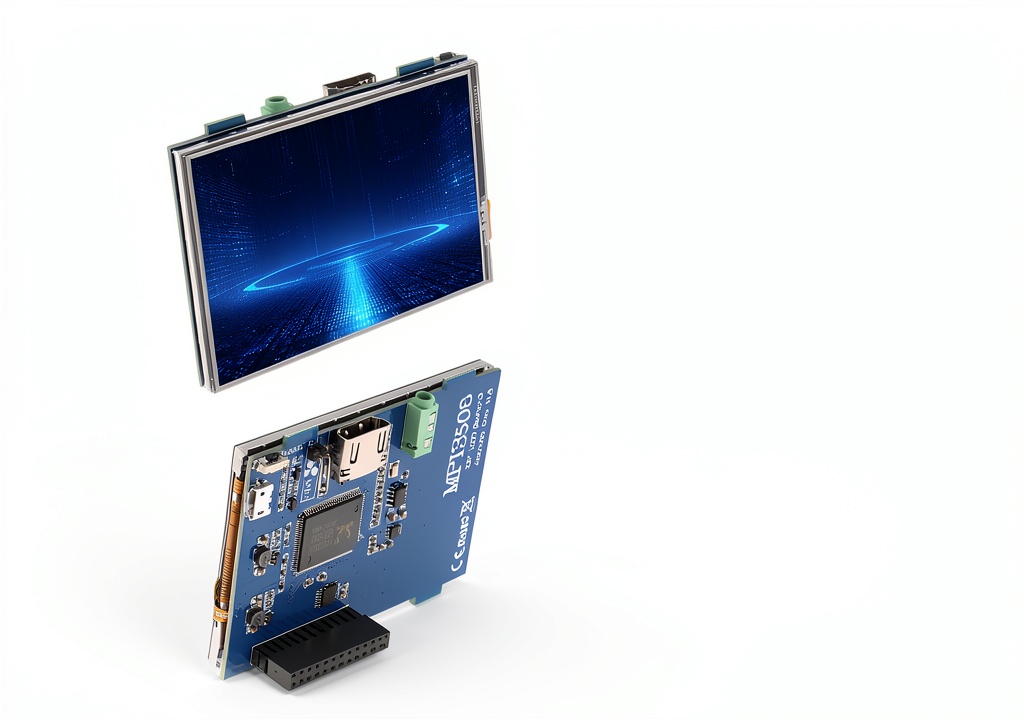
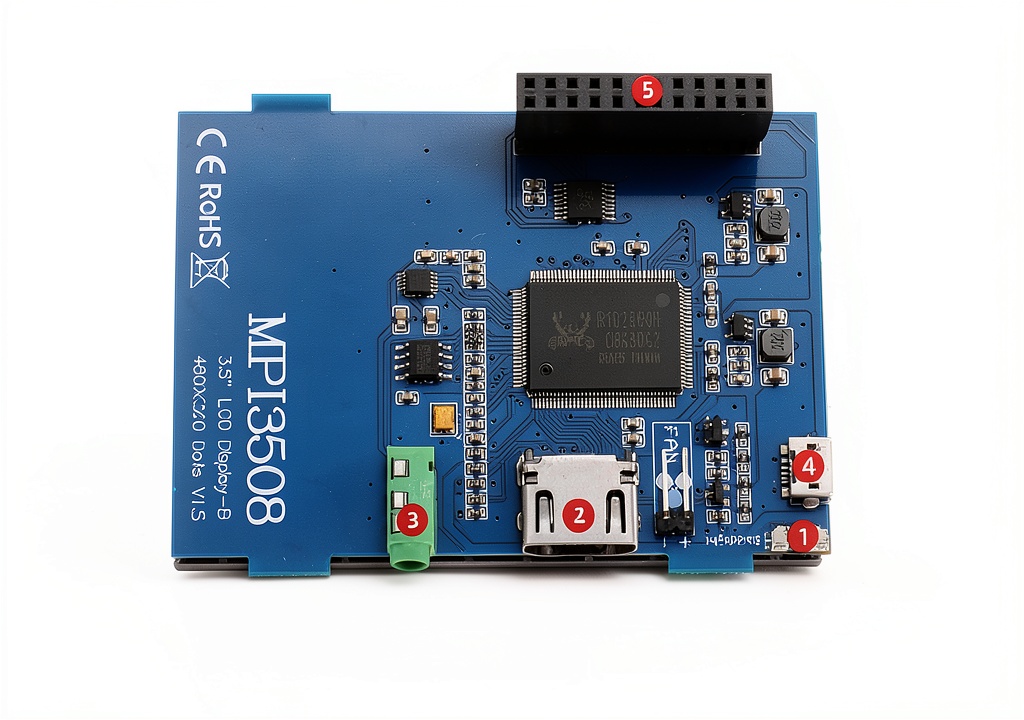
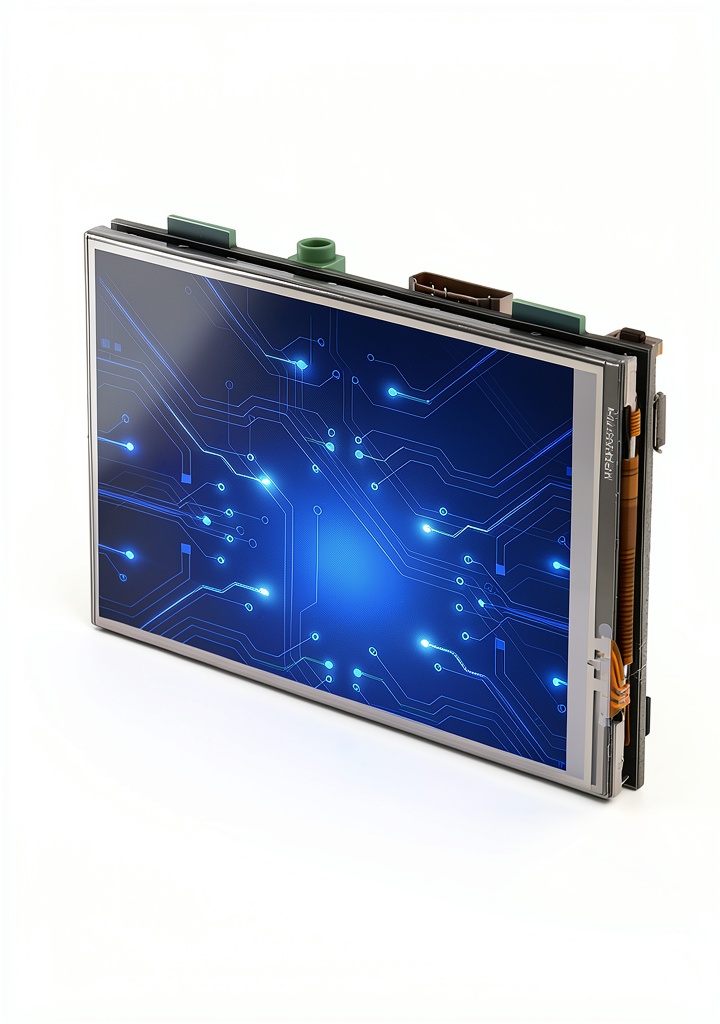
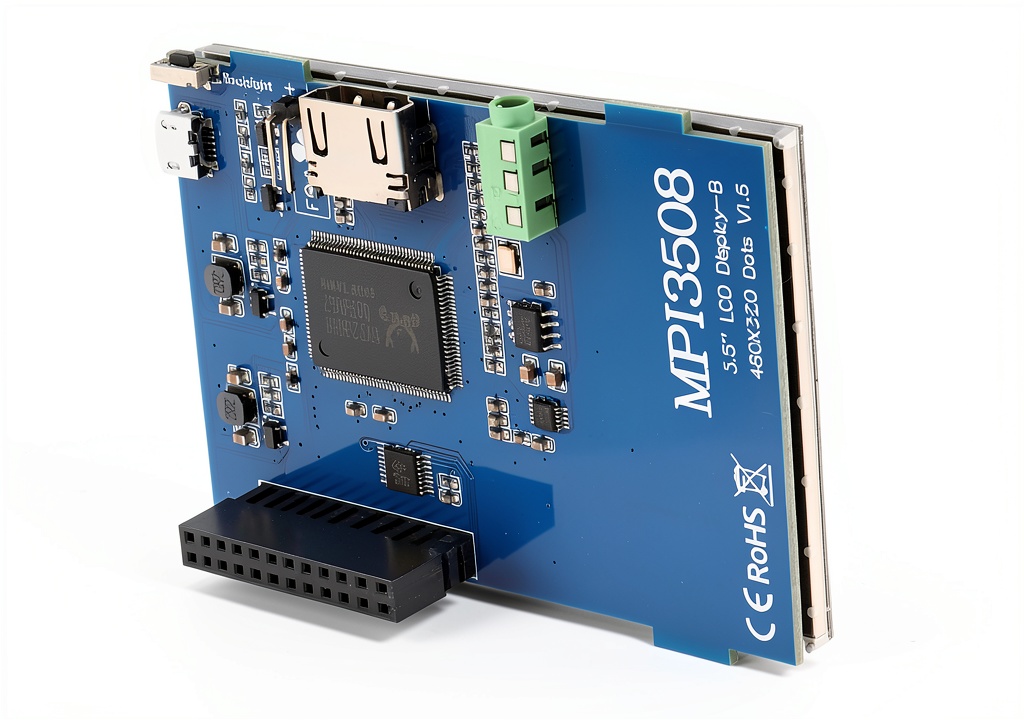
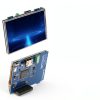
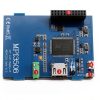
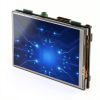
The MELIFE 5 inch HDMI touchscreen combines a compact 5″ LCD panel with full HDM1 input, delivering a native 480×320 resolution that can be scaled up to 1920×1080 via software. Built for Raspberry Pi and a wide range of Linux distributions, the display features an integrated touch layer that supports multi‑point input once the appropriate driver is installed. Weighing just 3.52 ounces and packaged in a sleek 5.87 x 5.24 x 1.97‑inch box, it offers a lightweight yet durable solution for portable and stationary projects. The backlight brightness is easily adjustable, and the unit supports HDM1 audio output for a complete multimedia experience.
Usage
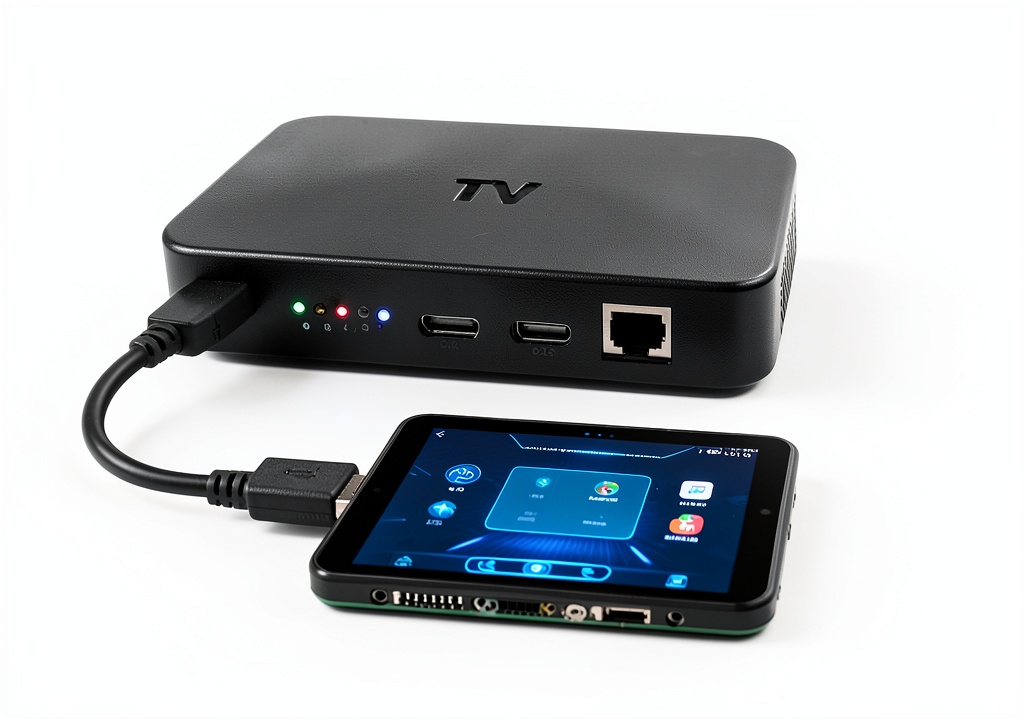
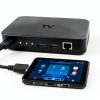
Designed for makers, educators, and professionals, this touchscreen excels in DIY electronics, home automation dashboards, portable gaming consoles, and industrial control panels. Its compatibility with Raspbian, Ubuntu, Kali Linux and other OSes ensures seamless integration into existing workflows. Whether mounted on a custom enclosure, used as a monitor for a media center, or integrated into a prototype, the display provides clear visuals and intuitive touch interaction. 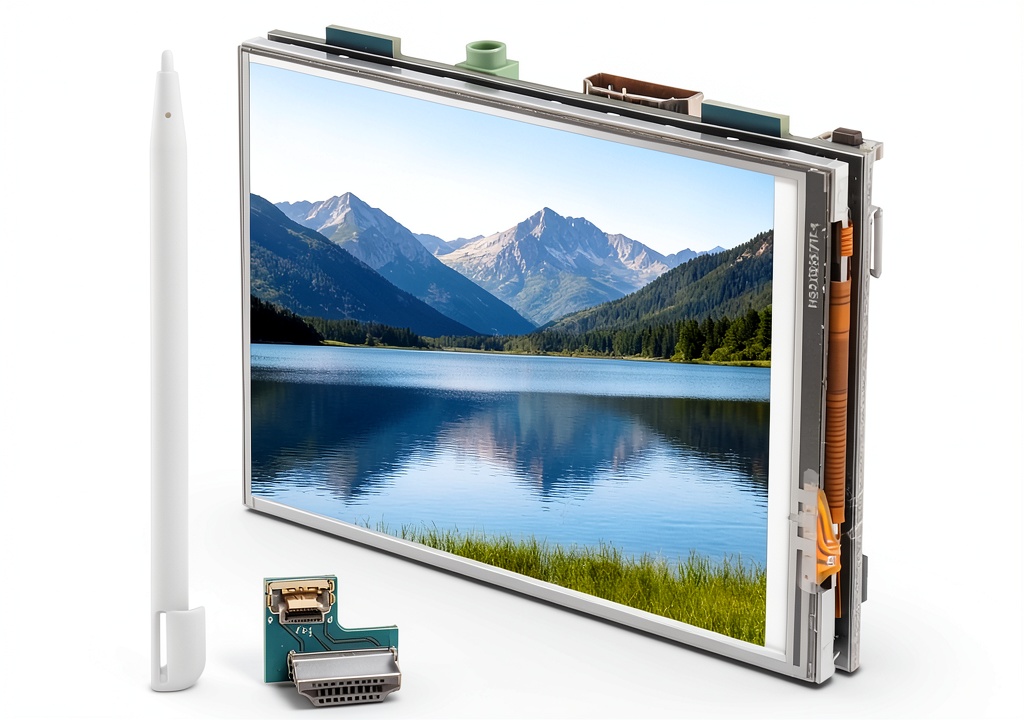
Why Choose Us
MELIFE prioritizes quality and reliability, sourcing high‑grade LCD components and rigorous testing for each unit. The touchscreen’s driver support is regularly updated, guaranteeing long‑term compatibility with evolving Linux kernels. Our customers benefit from responsive technical support and a clear warranty, ensuring confidence in both hobbyist and commercial deployments.
Key Features
- Native 480×320 LCD with software scaling up to 1920×1080 for crisp visuals
- Multi‑OS compatibility: Raspbian, Ubuntu, Kali Linux and more
- Integrated touch layer – driver installation required for full functionality
- Adjustable backlight brightness for optimal viewing in any environment
- HDM1 audio output support for complete multimedia integration
FAQ
Does this screen work with all Raspberry Pi models?
It connects directly to all Raspberry Pi boards except the original Model B and Zero, which require an additional HDMI cable.
Is a touch driver needed?
Yes, the touch functionality requires installing the appropriate driver for your operating system, which is provided in the user manual.
Can I use this display as a regular monitor?
Absolutely. When the touch driver is not installed, the screen functions as a standard HDMI monitor with adjustable backlight.
What is the maximum refresh rate?
The display supports refresh rates above 60 FPS, ensuring smooth motion for video and interactive applications.
Is the backlight dimmable?
Yes, the backlight brightness can be adjusted via the on‑screen menu or through software controls.



Reviews
There are no reviews yet.